AI That Keeps Working — and Keeps Data On-Site.
Edge AI runs inference on hardware at the site, so camera footage, machine data and sensor readings are analysed where they are captured. Detection keeps running when the internet link drops, and only the results need to leave — if you allow them to.
Offline and Private, at the Edge
Two properties come from the same design decision: putting the model next to the data.
Offline means the inference pipeline — model, runtime and the data it reads — has no dependency on an internet connection. A dropped link doesn't pause detection, because the link was never in the critical path.
Private means raw data stays on the site's own network. Video is decoded and analysed on the LAN; what travels upstream is a count, an event or an alert — not the footage itself.
- Detection and alerts continue through connectivity outages
- Raw video and sensor streams stay on the site network
- Less upstream bandwidth — events instead of streams
- Decisions in milliseconds, without a cloud round-trip
- Your organisation decides what, if anything, leaves the site
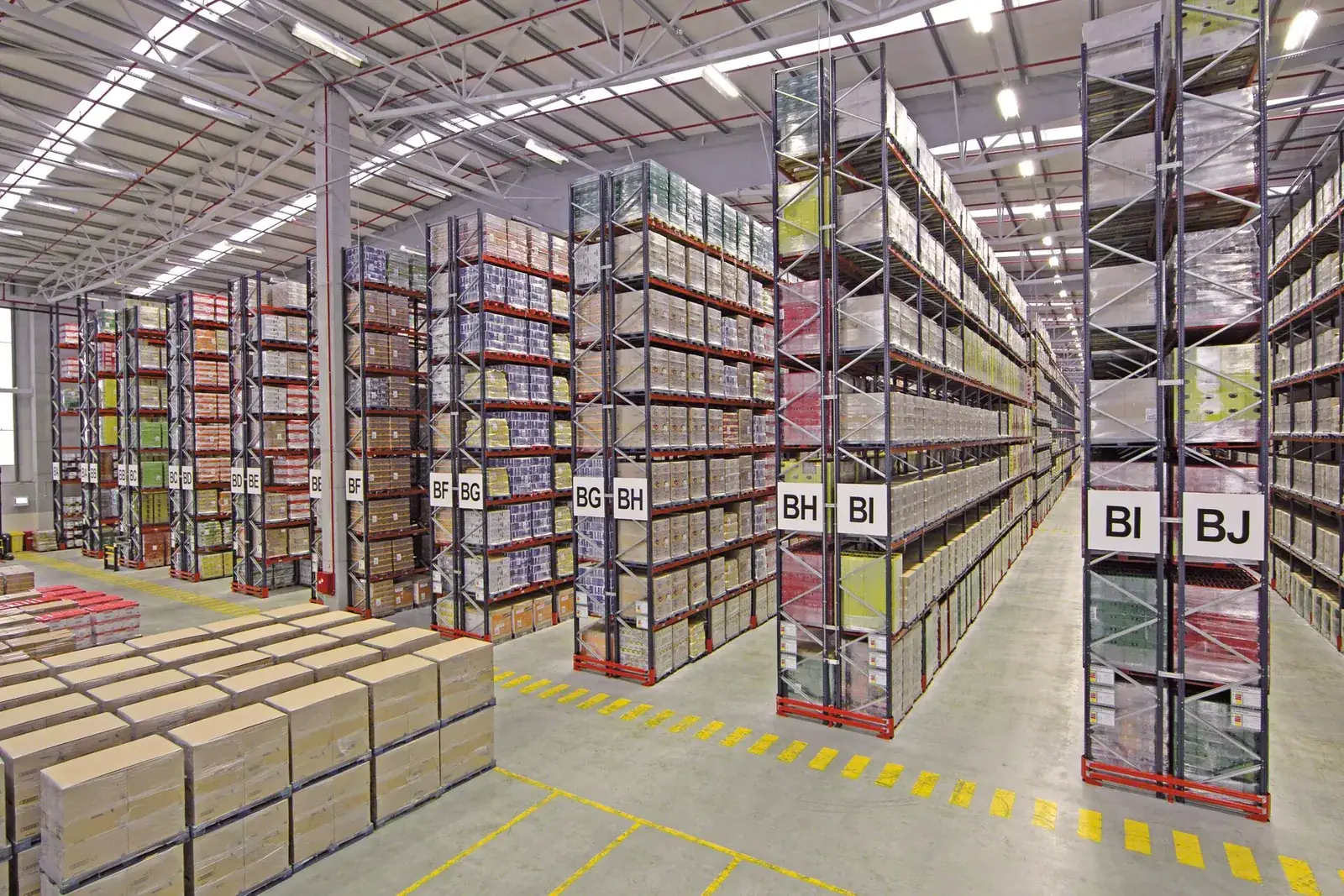 Inference on-site
Sites Where the Cloud Can't Be in the Critical Path
Offline-capable edge AI is chosen when connectivity is a risk, video volumes are high, or data simply shouldn't leave the premises.
Factories & Industrial Estates
Inspection and safety analytics beside the line, where a dropped link must not mean a blind spot.
Large Camera Fleets
Dozens of streams analysed on the LAN instead of saturating the internet uplink with continuous video.
Remote & Low-Connectivity Sites
Warehouses, plants and facilities where bandwidth is limited or unreliable.
Sensitive & Air-Gapped Sites
Facilities whose policy is that video and operational data never leave the premises.
How an Offline-Capable Edge Deployment Fits Together
Models, inference and alerting all live on the site network. The cloud, if used at all, receives events — not streams.
Cameras & Sensors
IP cameras · PLCs · IIoT devices
Site Network
LAN / PoE — no public hop
Edge AI Node
Models + runtime on NPU / GPU / accelerator
Local Alerts
Control room · supervisors
Site Dashboard & Event Log
Stored on-site
Cloud (optional)
Events and metadata only — synced when a link is available
Cloud shown optional — only for egress you explicitly allow
What Changes When the Internet Is Optional
Offline operation is a design property, not a setting. These are the parts that have to be planned on-site.
- Local alerting — alarms reach the control room or supervisors over the LAN, not through a cloud service
- Store-and-forward — events are logged on-site and synced upstream when a link returns
- Model updates — new model versions arrive on a schedule, over an intermittent link or by hand, with a tested rollback
- Local monitoring — device health, stream status and storage are visible on-site
- Time and storage — a local time source for event timestamps, and retention sized for the longest outage you plan for
Questions to answer before a pilot
- Which decisions must keep working with no internet at all?
- What may leave the site — nothing, events only, or selected clips?
- Who receives alerts on-site, and how?
- How will models be updated, and who approves a change?
- How long is the longest outage the site must ride through?
A Careful, Honest Privacy Posture.
Edge architecture supports privacy-sensitive design — and we are precise about what that means, and what it does not.
- Raw video and sensor data can stay on the site network
- Your organisation decides what, if anything, leaves the premises
- Fewer copies of footage in fewer places reduces exposure
- Local infrastructure is not, by itself, a legal compliance guarantee
Compliance outcomes depend on your organisation's governance, policies and applicable regulations — not on hardware alone.
What on-site AI is — and what it isn't
An edge deployment is an architecture choice: models and inference run on equipment at the site, and nothing moves off-site unless you configure it to.
That reduces external transfer and exposure. It does not replace governance — retention rules, access control, camera signage and regulatory obligations remain your organisation's responsibility, as with any CCTV or IT system.
Deployment in Five Stages
Understand the Workload
Identify the cameras, sensors, decisions and connectivity at the site.
Select the Hardware
Choose NPU, GPU or accelerator platforms for the stream count and environment.
Deploy the AI Stack
Install Linux, drivers, AI runtime, containers and the required models.
Integrate On-Site
Connect cameras, PLCs, alerting and dashboards on the site network.
Run AI Locally
Inference runs on the site's own hardware — with or without a link.
Have an edge AI workload? Let's find the right hardware for it.
Tell us what you want AI to analyse on-site — cameras, machines, sensors or another workload — and we'll help map the infrastructure.